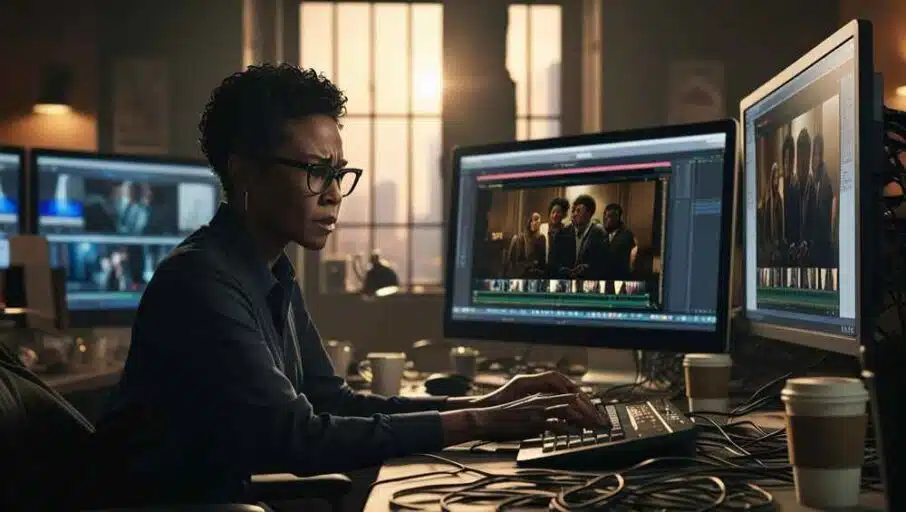
The Technical challenges video editor faces are rarely visible on screen, but they decide whether a project succeeds or fails. What looks like smooth storytelling to the audience often hides hours of stress—broken files, audio that refuses to sync, sudden software crashes, and deadlines that don’t wait. Behind every polished video is an editor solving problems in real time, under pressure. This blog takes you inside that real world and shows how professional video editors handle these challenges every day.
In India, The video editors work in a fast-moving environment. Budgets are tight, deadlines are tighter, and expectations are sky-high. Footage comes from multiple cameras, systems are pushed to their limits, and clients often want miracles overnight. This blog talks honestly about the technical difficulties editors face every day and how experienced editors practically deal with them.This is not theory. This is real editing life.
The technical Challenges while video editing with the Multiple Formats and Codecs.
Mixed Footage Creates Technical Challenges to Video Editor.
In most Indian projects, footage does not come from a single camera. One shoot may shot from Movie Camera, other may involve a DSLR, a mirrorless camera, a mobile phone, a drone, and sometimes even screen recordings. Each device records video in a different format and codec. While all these files may look fine individually, they create serious issues once placed together on the editing timeline.
Different codecs demand different system resources. Some are highly compressed and difficult for editing software to decode smoothly. As a result, editors experience lag, stuttering playback, or complete software freezes, especially during heavy scenes
How a Video Editors Solves technical challenges of Format and Codec Issues.
Professional editors avoid fighting with raw files. Instead, they convert footage into editing-friendly formats before serious work begins. This process may take time initially, but it saves many hours later. Proxy workflows are also commonly used, allowing editors to work smoothly even on large projects. Once the edit is locked, high-quality files are relinked for final export. This approach keeps performance stable and stress levels low.
Timeline Lag and Performance Issues .
Why Video Editing Timelines Slow Down
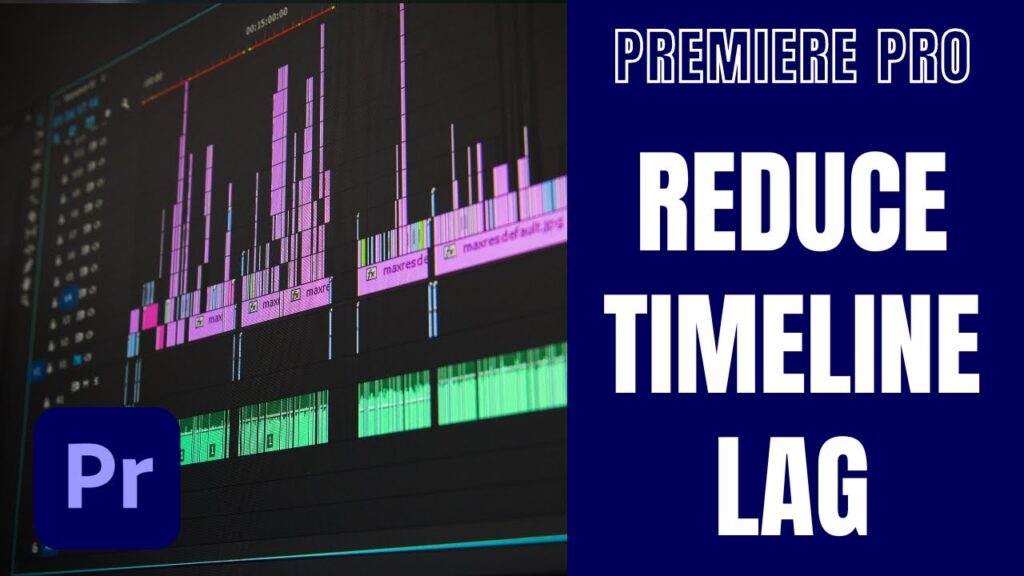
Timeline lag is one of the most frustrating technical issues editors face. Playback freezes, scrubbing becomes slow, and even simple cuts feel delayed. This usually happens when high-resolution footage, multiple layers, effects, and colour corrections are all active at the same time. As projects grow, timelines naturally become heavier.
In India, many editors also work on mid-range systems, which makes performance optimisation even more important.
How a Video Editors Solves the technical challenge of maintaining a Smooth Performance.
Experienced editors know that performance depends on discipline. They adjust playback resolution during editing, temporarily disable heavy effects, and keep timelines clean. Cache management and proper drive usage also play a big role. Editing from fast SSDs instead of slow external drives can dramatically improve performance. These small technical habits allow editors to work efficiently even under pressure.
The Audio Sync is a technical Challenge in Video Editing.
Why Audio Sync Goes Wrong ?
Audio sync issues usually appear when sound is recorded separately from video. In interviews, podcasts, or short films, even a slight mismatch between lips and sound can break the viewer’s trust. Sync problems often occur due to variable frame rates, dropped frames, or incorrect timeline settings.
This issue is especially common when footage comes from mobile phones or multiple cameras.
How Video Editors Fix and Prevent Sync Issues ?
Editors never assume audio will stay in sync throughout the timeline. They manually check sync at multiple points and correct it using waveforms or timecodes. Converting variable frame rate footage into a constant frame rate before editing is another common solution. Attention to detail here separates amateur edits from professional ones.
Colour Mismatch Between Shots
Why Shots Don’t Match Visually ?
Colour inconsistency is a common issue in Indian shoots, especially outdoor projects. Changing sunlight, different camera brands, and inconsistent lighting setups cause visible colour differences between shots. Skin tones may shift, brightness may fluctuate, and scenes may lose continuity.
When colour is inconsistent, even a well-edited sequence feels disconnected.
How Editors Achieve Visual Consistency
Professional editors start with colour correction before applying any creative grading. Exposure, contrast, and white balance are carefully matched across shots. Special care is taken with Indian skin tones, as unnatural colour shifts are immediately noticeable. Good colour work is subtle; it supports the story instead of drawing attention to itself.
Corrupted, Missing, or Offline Footage
Why Media Issues Happen ?
One of the worst moments for an editor is opening a project and seeing offline files or corrupted footage. This often happens due to improper file transfers, damaged drives, or poor data handling during shoots. Sometimes, crucial shots were never backed up at all.
These situations can delay projects and create serious stress
How a Video Editors Solves the technical challenge of getting Data Loss?
Experienced editors always insist on proper backups before starting work. Multiple copies of footage, organised folder structures, and clear communication with clients help reduce risks. When corruption occurs, editors try recovery tools and relink files carefully. Most importantly, they inform clients honestly and early, which builds trust even in difficult situations.
Software Crashes and Project File Errors
Why Editing Software Crashes
No editing software is completely crash-proof. Crashes often occur during heavy exports, long editing sessions, or when systems overheat. Plugin conflicts, unstable software updates, and insufficient RAM can also cause sudden shutdowns.
Crashes become especially stressful when deadlines are close.
How Editors Stay Safe From Crashes
Professional editors never rely on a single save file. Auto-save is always enabled, and multiple project versions are saved manually. Editors also prefer stable software versions rather than immediately upgrading. These habits may seem boring, but they save careers when things go wrong
The technical challenges of Storage Space and Data Management in Video Editing.
Why Editors Run Out of Storage
Video editing generates massive amounts of data. Raw footage, preview files, cache, exports, and backups quickly consume disk space. Many editors realise storage problems only when their system suddenly stops responding due to a full disk.
This issue is common but avoidable.
How Editors Manage Storage Efficiently
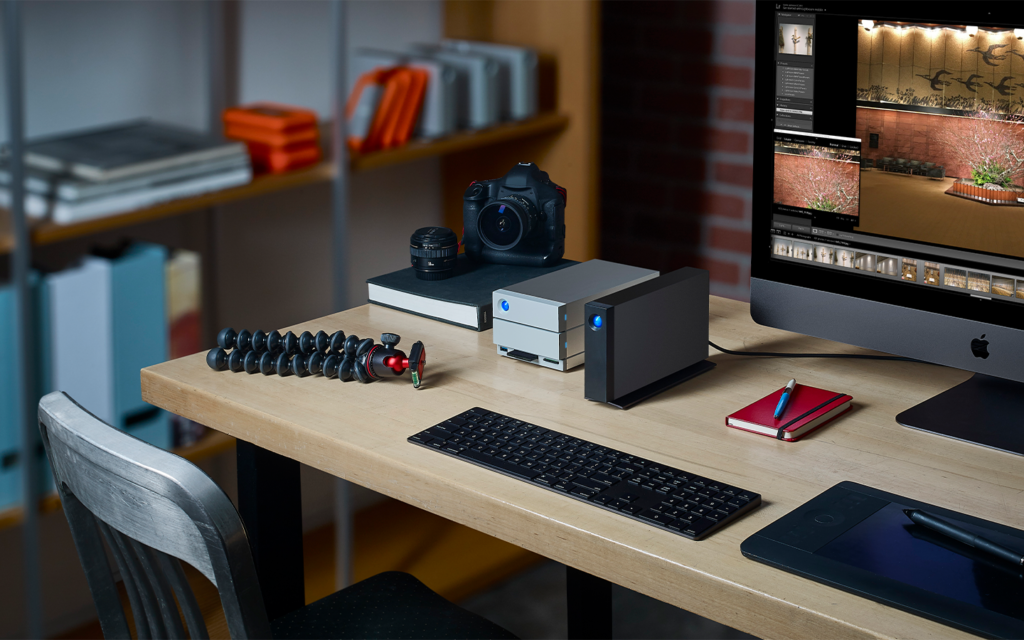
Professional editors plan storage usage from the beginning. Separate drives are used for footage, cache, and exports. Old projects are archived properly instead of being deleted randomly. Regular cache cleaning keeps systems responsive. Good data management saves time, money, and frustration.
Export Errors and Final Output Problems
Why Final Exports Fail
Export problems often appear at the last moment. Files may get stuck, audio may go missing, or colours may look different after export. These issues usually occur due to mismatched sequence settings, incorrect codecs, or unsupported effects.
Since export is the final step, errors here feel especially painful.
How Video Editors Ensure Reliable Exports
Experienced editors test short exports before rendering full projects. They carefully match sequence and export settings and choose formats based on the final platform. Whether the output is for YouTube, television, or social media, export settings are adjusted accordingly. This careful approach ensures consistent results every time.
Handling Last-Minute Client Changes
The Reality of Editing Workflows in India
In India, editors are very familiar with last-minute changes. Clients may ask for small tweaks that actually affect the entire structure of the edit. Music changes, duration cuts, or additional shots can disrupt pacing and emotional flow.
Managing these changes requires both technical skill and communication
How Editors Handle Revisions Professionally
Editors keep projects organised so changes can be made efficiently. Version control helps track revisions without confusion. Clear communication about time and impact prevents misunderstandings. A calm, professional approach helps maintain good client relationships even under pressure.
Balancing Creative Vision With Technical Limitations
When Reality Doesn’t Match the Idea
Sometimes the concept is strong, but the footage has limitations. Missing shots, poor audio quality, or inconsistent lighting can restrict creative possibilities. Editors must still deliver something impactful within these constraints.
This is where editing becomes problem-solving
How Editors Use Creativity to Overcome Limits
Experienced editors use pacing, sound design, cutaways, and rhythm to hide imperfections. Smart editing choices can turn weaknesses into strengths. This ability to adapt separates skilled editors from beginners.
Why Technical Knowledge Makes an Video Editor Truly Professional
Technical knowledge gives editors confidence. When editors understand codecs, systems, formats, and workflows, they don’t panic when problems arise. They focus on storytelling because they trust their technical foundation.
In India’s competitive editing industry, technical confidence is a major advantage.
Final Thoughts: Editing Is Experience, Not Just Software
Video editing is not about clicking buttons. It is about understanding systems, solving problems, and telling stories under pressure. Every technical difficulty teaches something valuable.
Editors who respect both the creative and technical sides of the craft grow faster, work better, and earn long-term trust. In the end, editing is not just a job — it is a skill built through patience, experience, and constant learning.
Looking for editor a professional one?
If you want cinematic, polished and performance-driven editing for your advertisements or brand films, feel free to reach out.